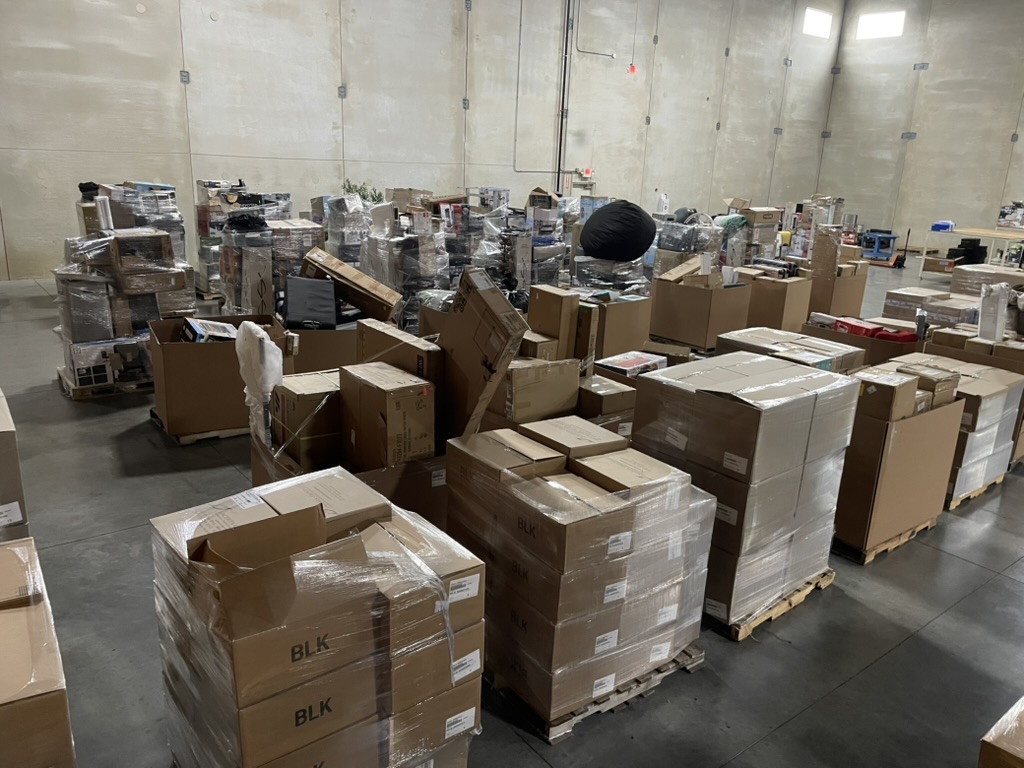
Bid on liquidation deals at a fraction of retail.
Our auctions move fast, the deals can be big, and getting started only takes a minute. Create an account, register for the auction, and start bidding.
Step by step
How the process works
From account creation to picking up your wins — here's exactly what to expect.
- 1
Create your HiBid account
Click into any of our auctions and create a HiBid account if you don't already have one. This is where all bidding happens.
- 2
Register for the auction
Once logged in, complete the auction registration and agree to the auction terms.
- 3
Add your credit card
A valid credit card is required to verify your account. If you win items, this card will automatically be charged after the auction closes.
- 4
Add items to your watchlist
Browse auction lots and click the watchlist icon to save items you're interested in. Your watchlist makes it easy to track lots and come back to bid when you're ready.
- 5
Place bids
You can bid manually or enter a maximum bid. If you enter a max bid, HiBid will automatically bid for you against other bidders until your limit is reached.
- 6
Find out if you won
Winning bidders are notified by email. You can also log into your HiBid account to see the items you won.
- 7
Schedule pickup
All pickups are by appointment only. After the auction closes, you'll receive an email and text message with a link to schedule your pickup time.
A quick reality check before bidding
Surplus Depot is an auction house selling liquidated merchandise, not a traditional retail store.
That means:
- Items may have damaged packaging
- Some items may be missing parts
- Some items may have cosmetic wear
We inspect items and photograph their condition so you know what you're bidding on. But auctions come with a little risk.
The upside? You can often buy items at a fraction of retail price.
If you ever want additional photos or details before bidding, email us at: